Become an Early Adopter
 We’re excited to announce the availability of Microsoft Authenticator for your SMU accounts as an early adopter. If you participate, Authenticator will replace Duo Security for most, if not all, of your multi-factor authentications (MFA) on campus.
To get started
- Complete the Microsoft Authenticator enrollment form at smu.edu/passwordless, and you will be automatically enrolled in the early adopters group.
- In a few minutes, you will be asked to reauthenticate, or sign in, to SMU services with Microsoft Authenticator.
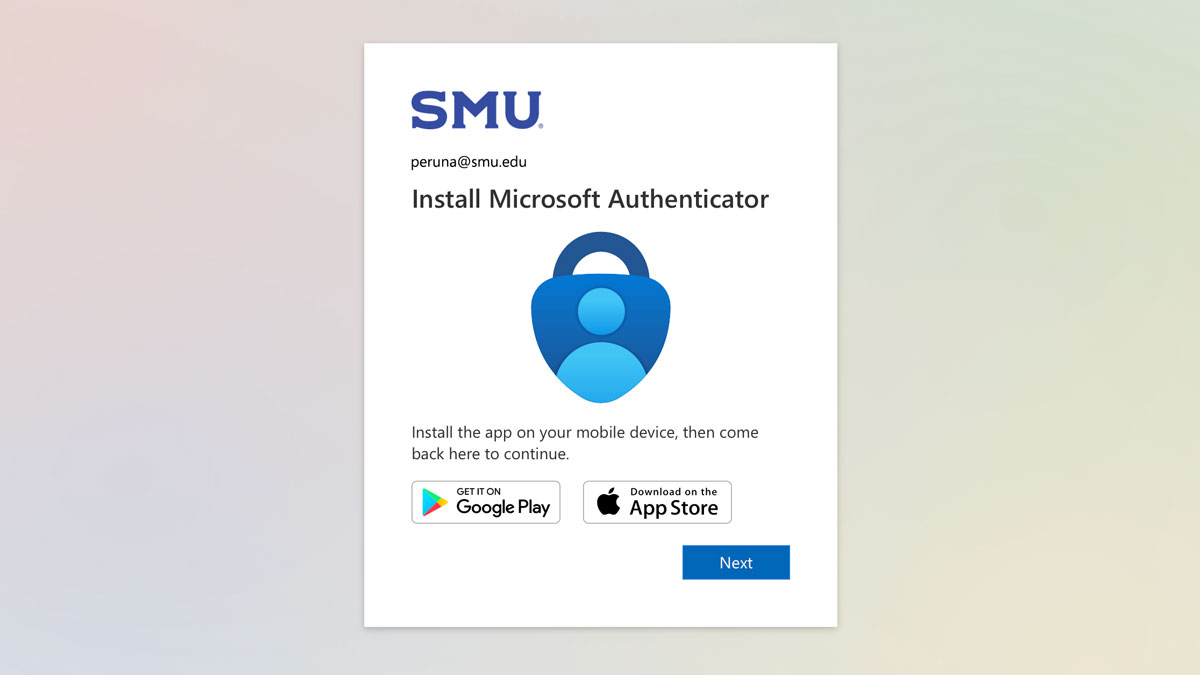
- Install the Microsoft Authenticator app on your mobile device. It is available for iOS and Android.
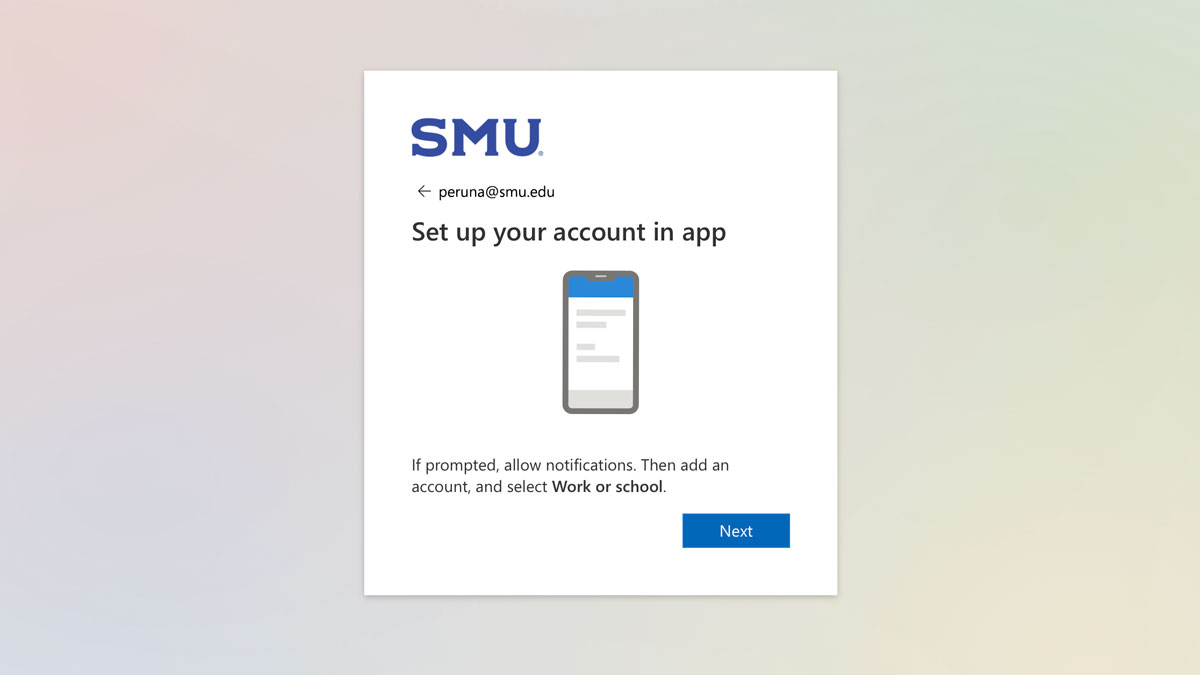
- Configure the app to support SMU MFA by following these instructions.
What to expect
- You will be signed out of all current SSO logon sessions—including phone and email. Please think carefully about the best time and day in your schedule to minimize disruptions before filling out the form.
- Once you become an early adopter, you will be required to reauthenticate into all SMU SSO services using the Microsoft Authenticator mobile app. Please be advised that this could be disruptive to your workflow. Scheduling during regular IT Help Desk business hours is advised.
- After you’ve gone through that one-time setup event, the Authenticator app will allow you to take advantage of future improvements, including passwordless authentication.
More Info
As always, if you need additional assistance, feel free to contact the IT Help Desk at 214-768-HELP (4357) or email help@smu.edu.